
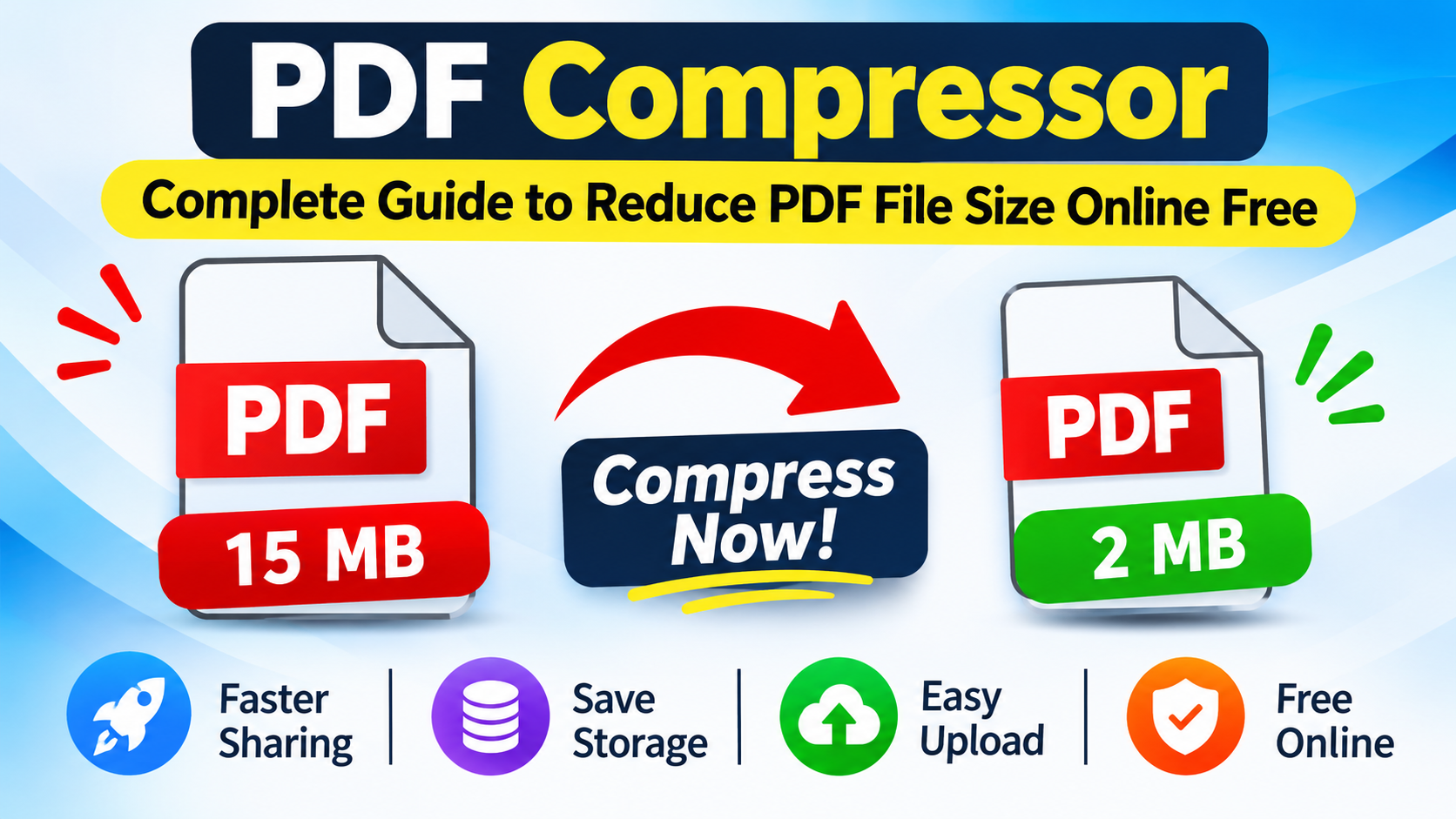
PDF Compressor: Complete Guide to Reduce PDF File Size Online Free
PDF files are widely used for sharing documents, assignments, business reports, invoices, scanned papers, and official records. However, large PDF files can create problems when uploading documents to websites, sending email attachments, or sharing files through messaging applications.
A PDF Compressor helps reduce the size of PDF documents, making them easier to upload, store, and share. With an online PDF compression tool, you can reduce PDF file size without installing complicated desktop software.
This complete guide explains how PDF compression works, its benefits, different compression methods, and how to compress PDF files online for free.
What Is a PDF Compressor?
A PDF Compressor is an online tool or software that reduces the file size of PDF documents. It uses different optimization techniques to make documents smaller while maintaining acceptable readability and quality.
For example, if your PDF document is 15 MB and a website only allows uploads up to 5 MB, compressing the document may help you meet the upload requirement.
The final result depends on the original PDF, image quality, resolution, embedded fonts, and document contents.
Compress PDF Online Free with Utilivox
You can use the Utilivox PDF Compressor to reduce PDF file size through your browser. It provides a convenient way to access PDF compression without searching for complicated desktop applications.
Why Should You Compress PDF Files?
Large PDF documents can be inconvenient for everyday tasks. Compressing them offers several benefits.
| Benefit | Explanation |
|---|---|
| Smaller File Size | Reduces the storage space required by PDF documents. |
| Easy Sharing | Makes documents easier to send through email and messaging applications. |
| Faster Uploads | Smaller files generally take less time to upload. |
| Storage Management | Helps save device and cloud storage space. |
| Website Uploads | Helps meet file-size restrictions on online forms. |
| Convenience | Makes documents easier to manage and distribute. |
How to Compress PDF Files Online Free
Follow these simple steps to reduce your PDF file size.
Step 1: Open the PDF Compressor
Visit the Utilivox PDF Compressor page using your computer, laptop, tablet, or mobile browser.
Step 2: Select Your PDF File
Choose the PDF document you want to compress from your device.
Step 3: Start Compression
Use the available compression option to process your PDF document.
Step 4: Download the Compressed PDF
After the compression process is complete, download the resulting PDF file.
Step 5: Check Your Document
Open the compressed PDF and check its text, images, formatting, and readability before sharing it.
How Does PDF Compression Work?
PDF compression works by optimizing the data stored inside a PDF document. Different techniques can be used depending on the document's content.
| Compression Method | How It Works |
|---|---|
| Image Optimization | Reduces the size of embedded images. |
| Image Downsampling | Reduces image resolution when appropriate. |
| Data Compression | Stores document data more efficiently. |
| Font Optimization | Removes unused font information where supported. |
| Metadata Cleanup | Removes unnecessary document information where supported. |
| Object Optimization | Removes redundant or unused PDF objects where supported. |
Lossless vs Lossy PDF Compression
There are two common approaches to PDF compression: lossless and lossy compression. Understanding the difference helps you choose the right method.
| Feature | Lossless Compression | Lossy Compression |
|---|---|---|
| File Size Reduction | Usually moderate | Can be greater |
| Image Quality | Preserved | May decrease |
| Text Readability | Preserved | Usually preserved, but scanned text may become less clear |
| Image Resolution | Preserved | May be reduced |
| Best For | Important documents | Large scanned and image-heavy PDFs |
Important: Not every PDF compressor offers both methods. The compression results depend on the tool and original document.
What Types of PDF Files Can Be Compressed?
| PDF Document Type | Why Compression Helps |
|---|---|
| Educational PDFs | Makes assignments and study materials easier to share. |
| Business Reports | Reduces the size of professional documents. |
| Scanned Documents | Helps reduce image-based page sizes. |
| Invoices | Makes financial documents easier to send. |
| Ebooks | Helps reduce storage requirements. |
| Presentation PDFs | Optimizes documents containing images and graphics. |
| Application Forms | Helps meet online upload requirements. |
| Research Papers | Makes large academic documents easier to distribute. |
Tips to Reduce PDF File Size Without Losing Quality
- Choose suitable compression: Avoid unnecessarily high compression for important documents.
- Optimize large images: Large embedded photographs can increase PDF size considerably.
- Keep original files: Save a backup before applying compression.
- Check image quality: Review scanned pages after compression.
- Avoid repeated compression: Recompressing already compressed images may reduce their quality further.
- Compare file sizes: Always check whether the compressed document is actually smaller.
- Use appropriate resolution: Select image resolution according to whether the PDF is intended for screen viewing or printing.
Common PDF Compression Problems and Solutions
| Problem | Possible Solution |
|---|---|
| PDF size does not decrease | The original PDF may already be optimized. |
| Images look blurry | Try a lower compression level if available. |
| Text is difficult to read | Use less aggressive compression and check the original PDF. |
| Upload fails | Check the website's maximum file-size requirement. |
| PDF cannot open | Download the file again and test it in another PDF reader. |
| Compression takes too long | Try a smaller document or reduce the number of pages if appropriate. |
Online PDF Compressor vs Desktop Software
Both online PDF compressors and desktop applications can help reduce document sizes. However, they offer different advantages.
| Feature | Online PDF Compressor | Desktop PDF Software |
|---|---|---|
| Installation | Usually not required | Usually required |
| Accessibility | Browser-based | Installed device |
| Convenience | Useful for quick tasks | Useful for regular workflows |
| Internet | Usually required | Often works offline |
| Advanced Features | Depends on the tool | Often offers more options |
| Cost | Free options available | Free and paid versions |
Is It Safe to Compress PDF Files Online?
Online PDF compression can be convenient, but privacy should always be considered. Before using any online PDF tool, check how it processes uploaded files and whether documents are transferred to an external server.
Avoid uploading sensitive documents containing passwords, banking information, personal identification details, or confidential business information unless you trust the service's security and privacy practices.
For important documents, always keep an original backup.
Frequently Asked Questions (FAQs)
1. How can I compress a PDF file online for free?
Open the Utilivox PDF Compressor, select your PDF document, start the compression process, and download the resulting file.
2. Can I compress PDF files without installing software?
Yes. Browser-based PDF compression tools allow you to work with PDF documents without installing separate desktop software.
3. Does compressing a PDF reduce its quality?
Not always. Lossless compression preserves visual quality, while lossy compression may reduce image resolution or detail to achieve a smaller file size.
4. How much can I reduce PDF file size?
There is no fixed percentage. Image-heavy and scanned PDFs may offer greater compression opportunities than text-only or already optimized documents.
5. Can I compress a PDF for email?
Yes. PDF compression can help reduce attachment sizes and make documents easier to send through email.
6. Why is my PDF file so large?
PDF files can become large because of high-resolution images, scanned pages, embedded fonts, graphics, and additional document data.
7. Can I compress scanned PDF documents?
Yes. Scanned PDFs can often be reduced in size because their pages contain images. However, aggressive compression may affect text readability.
8. Does PDF compression change the original file?
This depends on the tool. Many compressors create a separate compressed copy, but you should always keep a backup of your original document.
9. Can I compress PDF files on a mobile phone?
Yes. You can access browser-based PDF compression tools through a supported mobile browser.
10. Is a free PDF Compressor useful for students?
Yes. Students can use PDF compression to reduce the size of assignments, notes, scanned books, and study materials before sharing or uploading them.
Final Thoughts
PDF compression is a useful way to manage large documents, save storage space, and make file sharing easier. Whether you are a student, teacher, office worker, or business owner, reducing PDF file size can simplify everyday document management.
If you need a convenient way to reduce PDF file size, try the Utilivox PDF Compressor.
Compress Your PDF Online Free
Make your PDF documents smaller and easier to share.
Visit PDF CompressorThis guide was written and reviewed by the UtiliVox Technical & Mathematics Team. We strictly verify formulas, algorithms, and real-world examples to provide actionable knowledge you can rely on.